
FOR COMMERCIAL SERVICE COMPANIES
Lead tracking, follow-up, and reporting
Website and UX design, messaging, CRM integration, and strategy, focused on how every opportunity is tracked, handled, and reported, from first inquiry to signed contract.
AREAS OF WORK
Connecting the steps from first inquiry to qualified opportunity
Web forms, phone calls, email, and the CRM often operate separately, and opportunities are re-entered, duplicated, or missed before they reach estimating. Work begins with documenting how inquiries arrive and move through the sales pipeline today. Gaps are then addressed in order of cost, using existing tools where they are adequate.

Intake and qualification
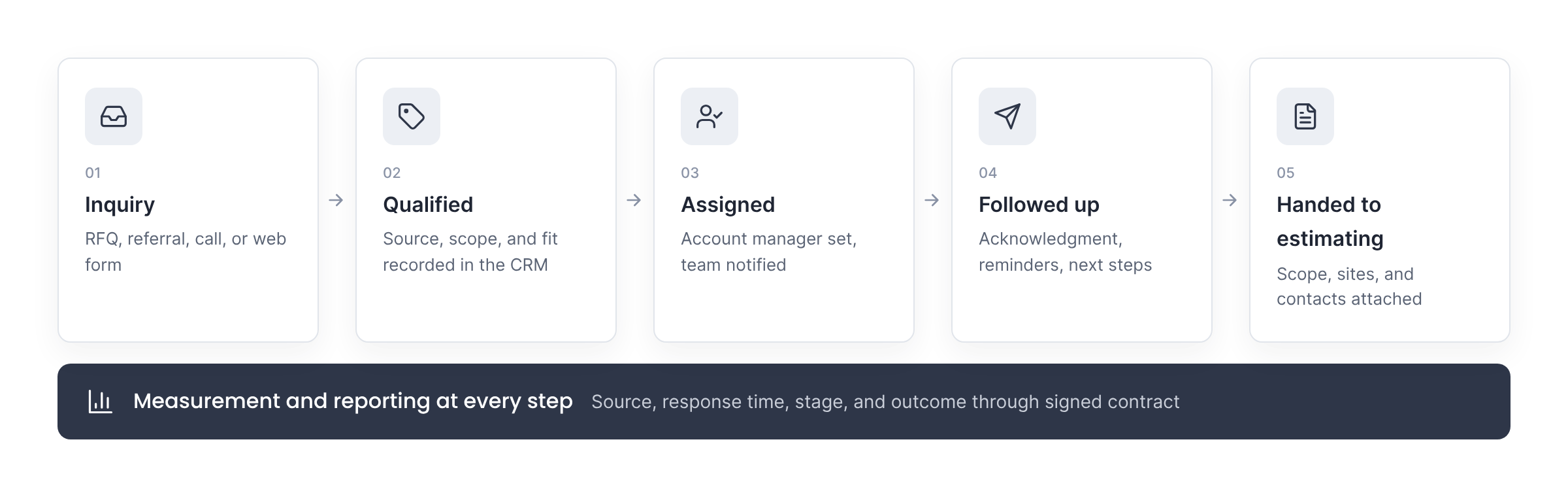
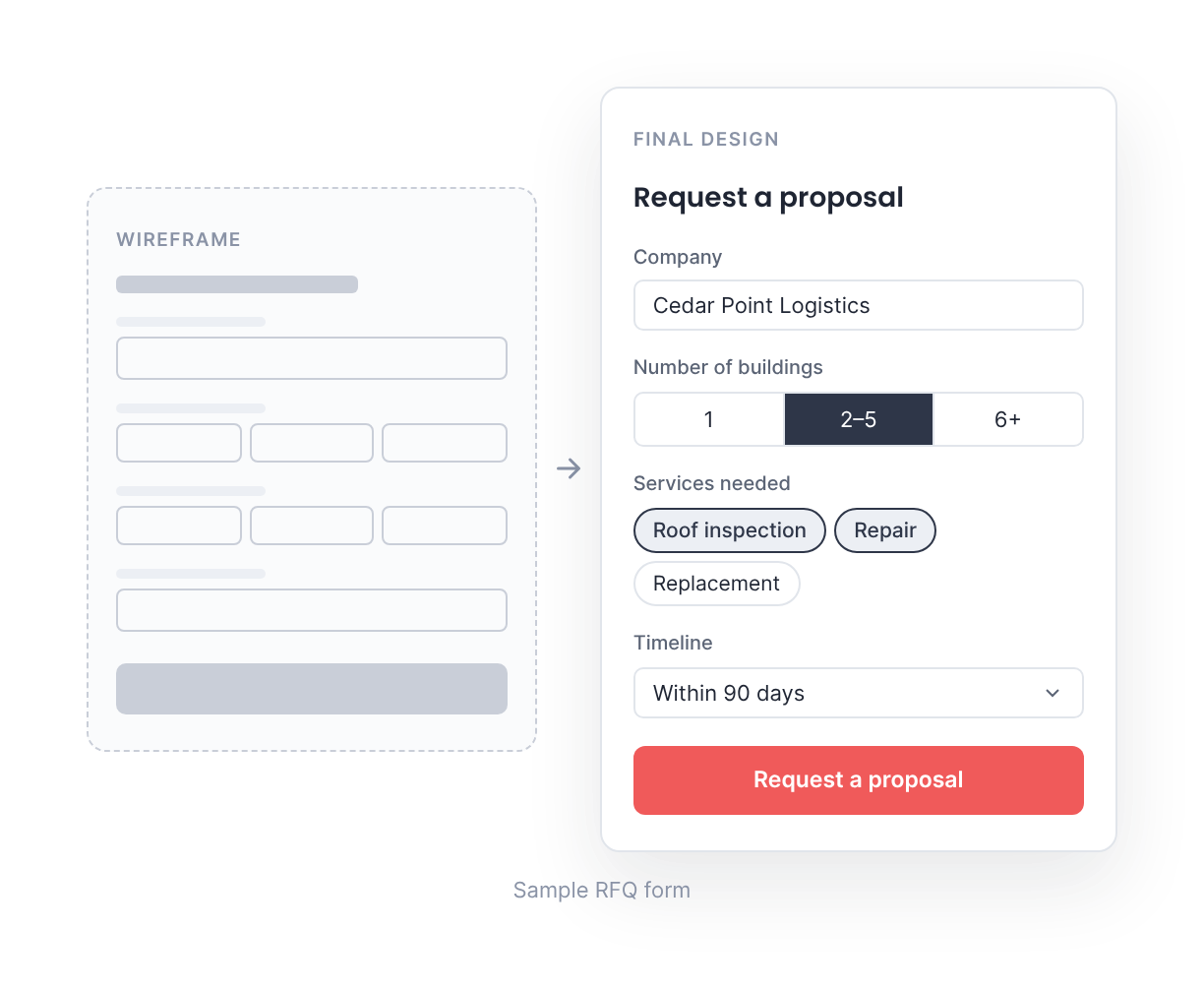
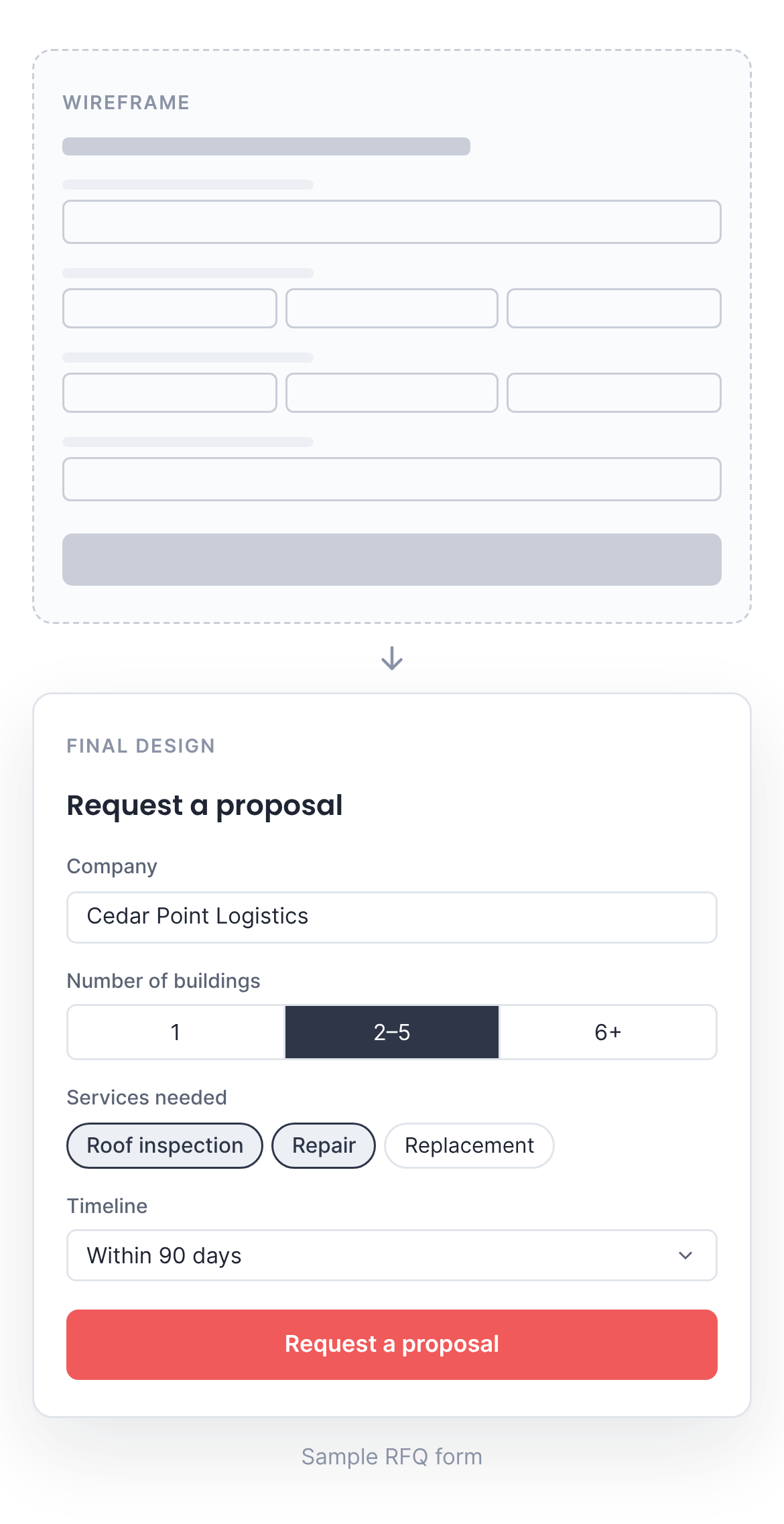
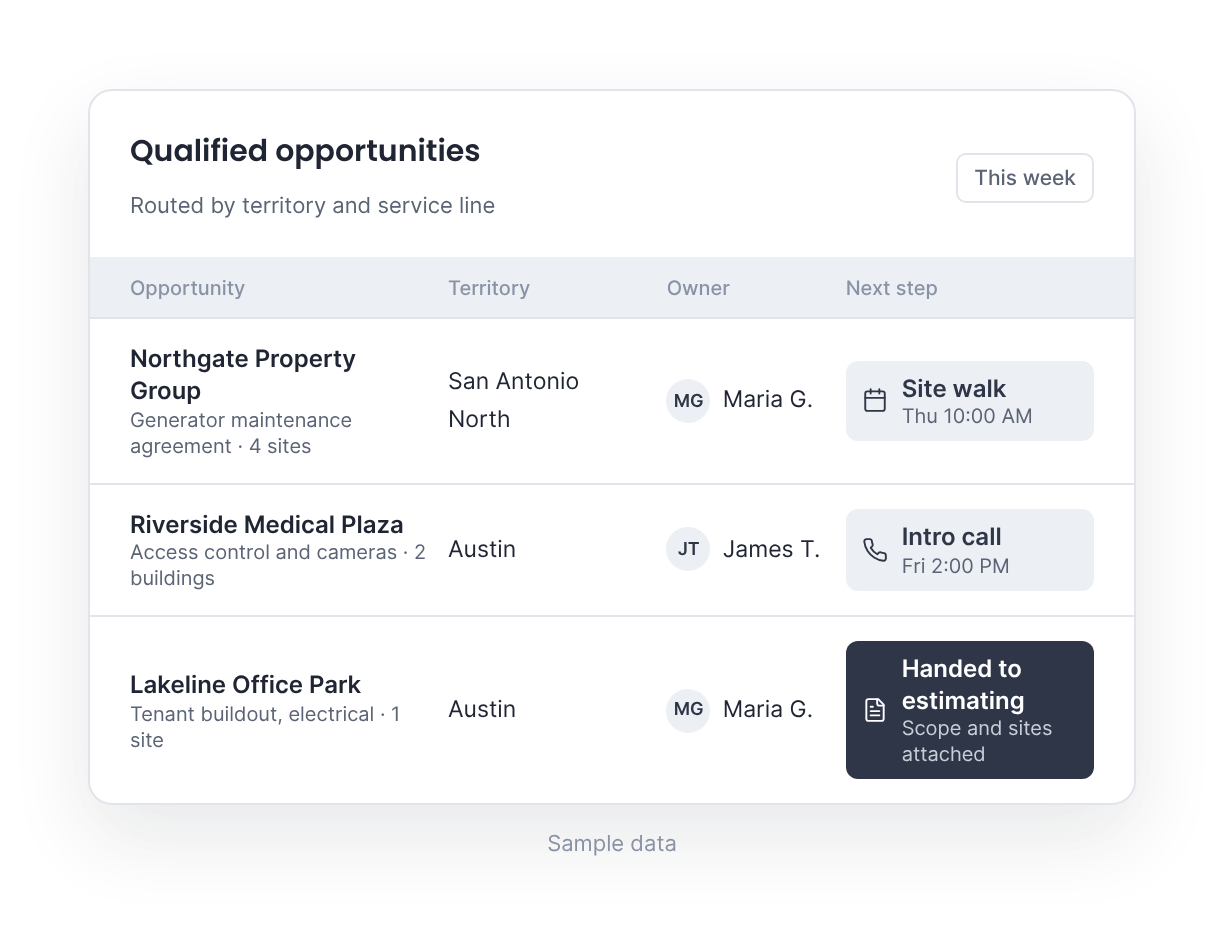
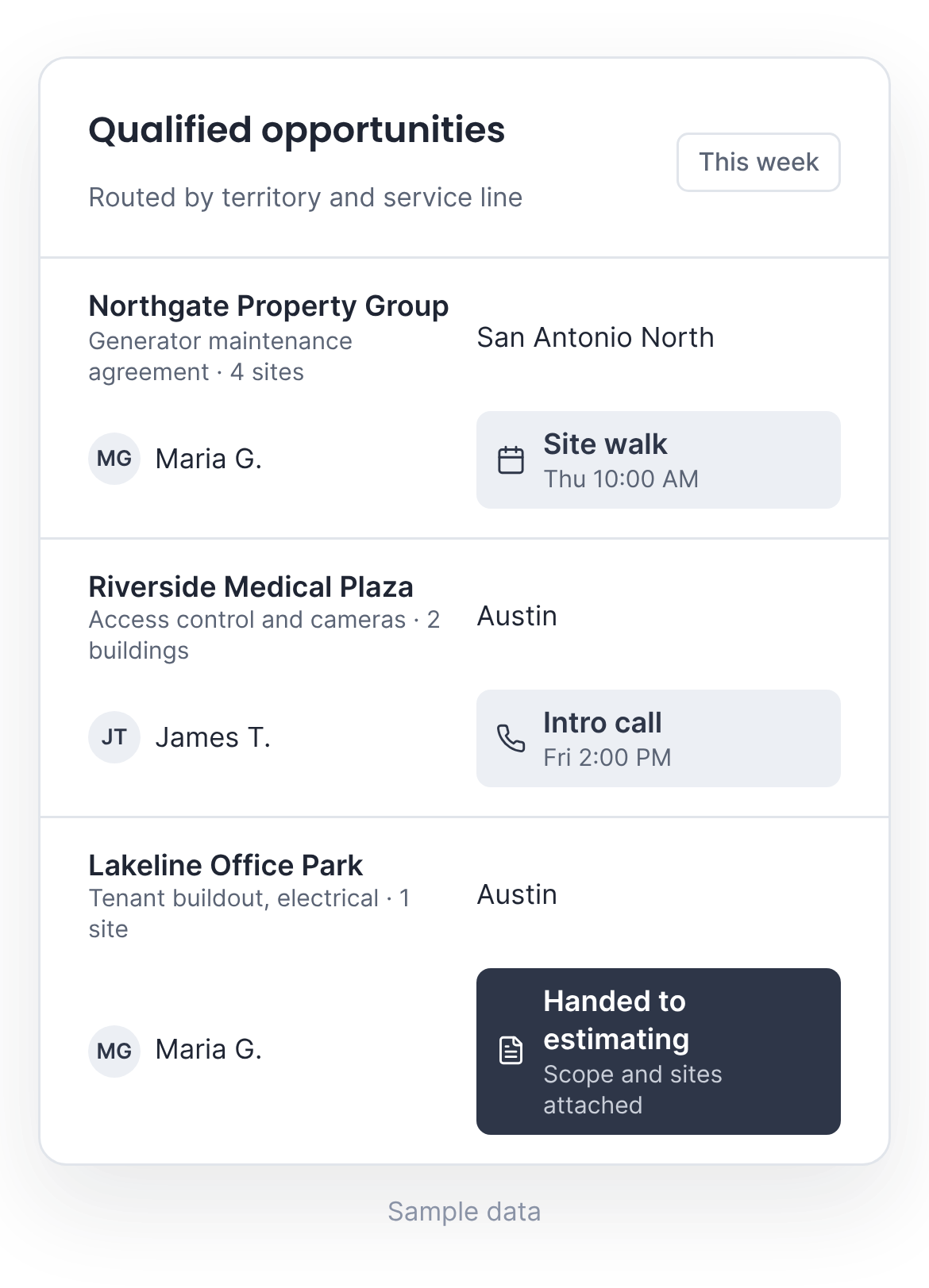
Websites, landing pages, and RFQ forms work as funnels: each one records the source and asks a short set of qualifying questions, such as number of sites, scope of service, and timeline. Forms are designed for the way facility managers and procurement teams request work: short, clear, and easy to complete on a phone. Qualified opportunities go to the right account manager with a defined next step: a call, a site walk, or a proposal.

CRM and pipeline tracking
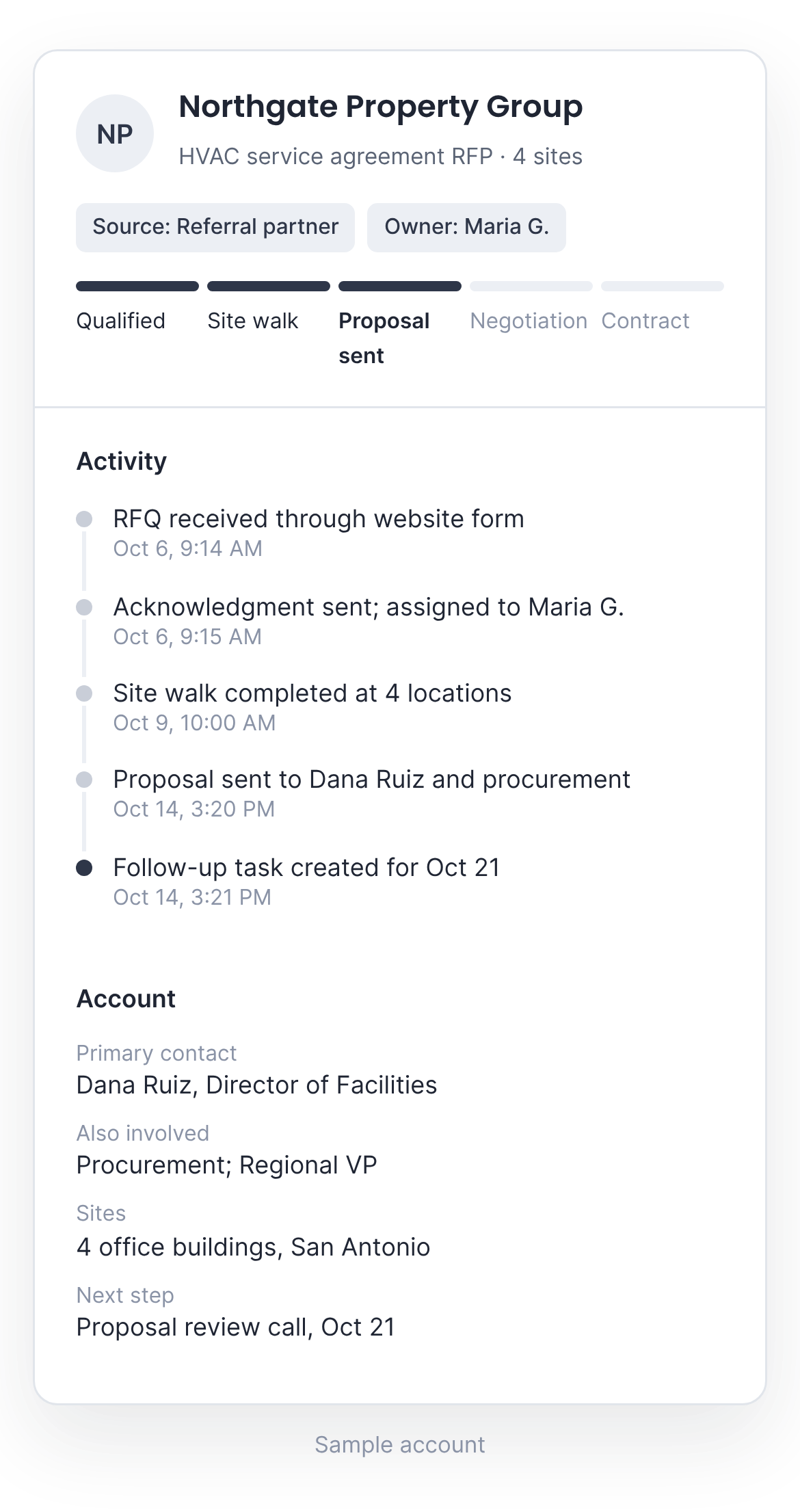
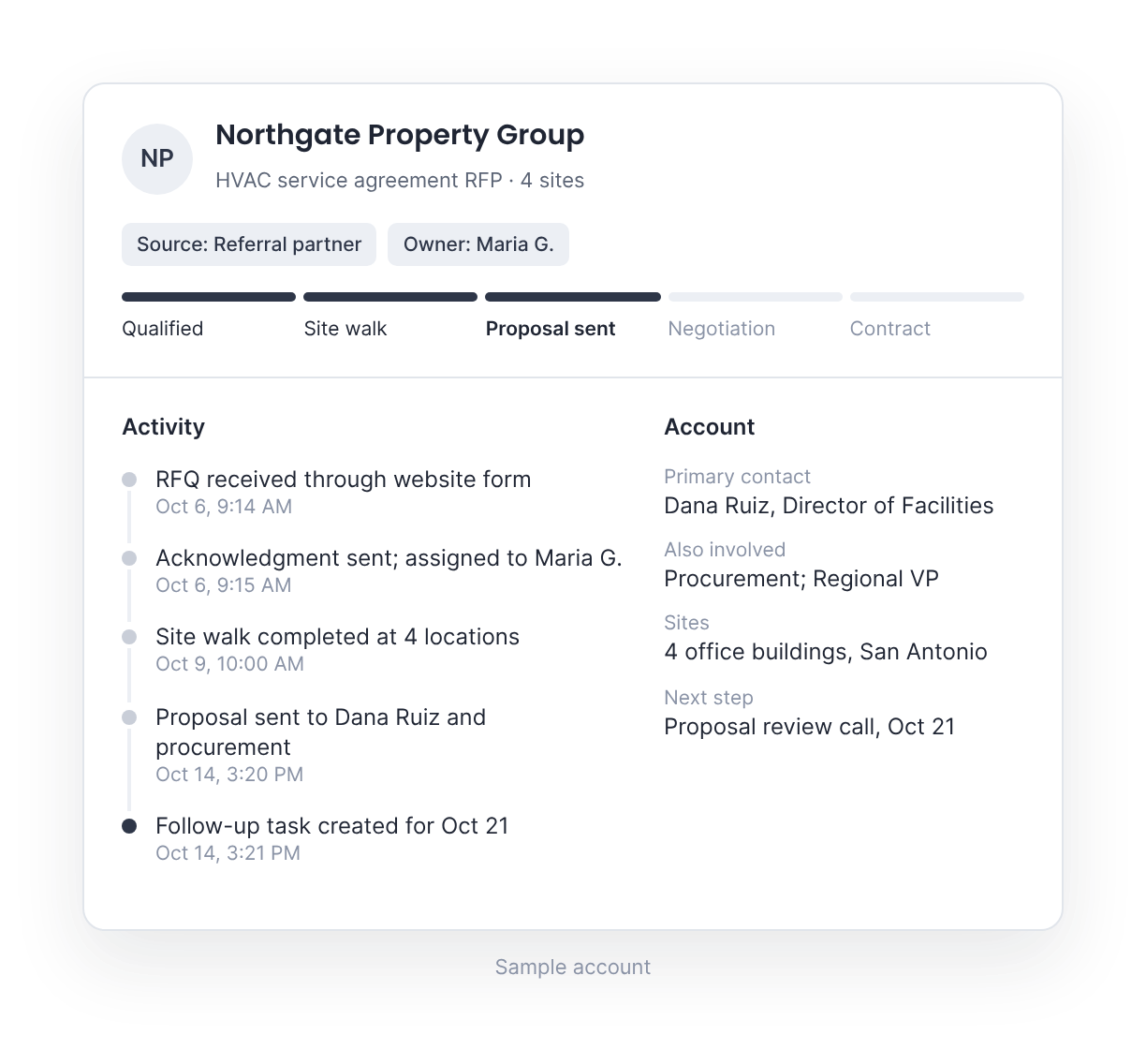
Every opportunity is recorded in the CRM with its source, stage, contacts, and assigned account manager, whether it arrived by form, call, email, or referral. This replaces spreadsheets and inbox searches, and gives leadership an accurate view of the pipeline.

Workflows and routing
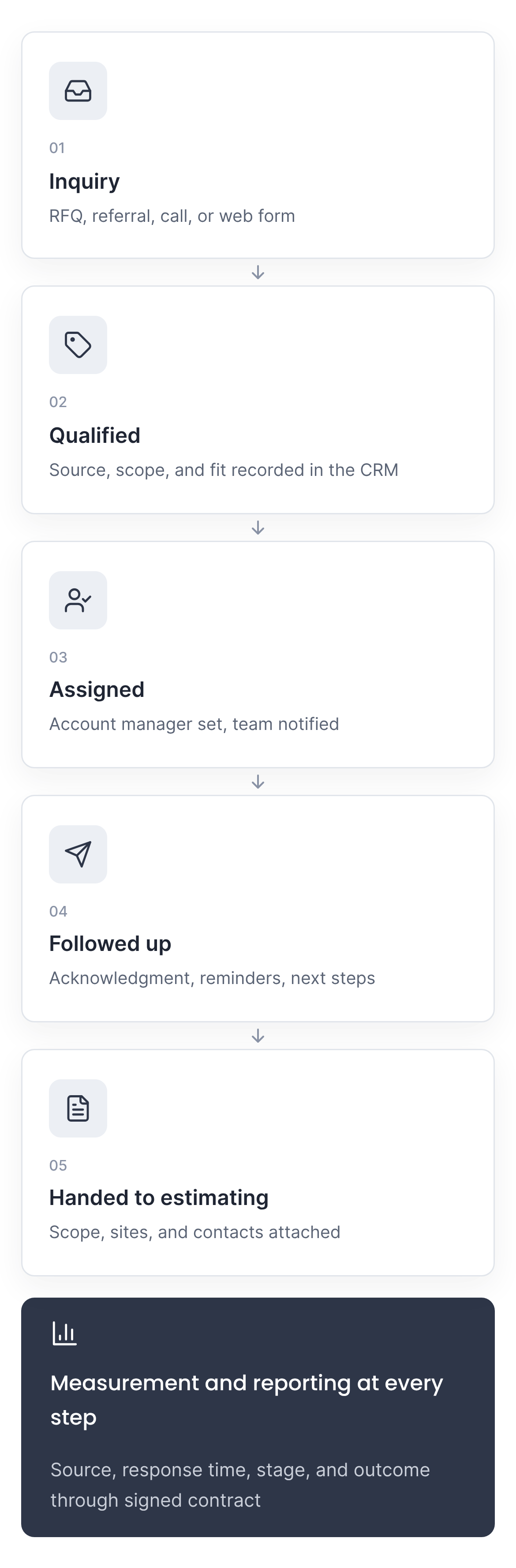
When an inquiry is qualified, it is routed to the right account manager by territory or service line, the team is notified, and next steps are scheduled in the CRM. Opportunities that are not ready yet move into a defined nurture sequence instead of going cold. When it is time to price the work, the opportunity reaches estimating with its scope, sites, and contacts attached.

Automations
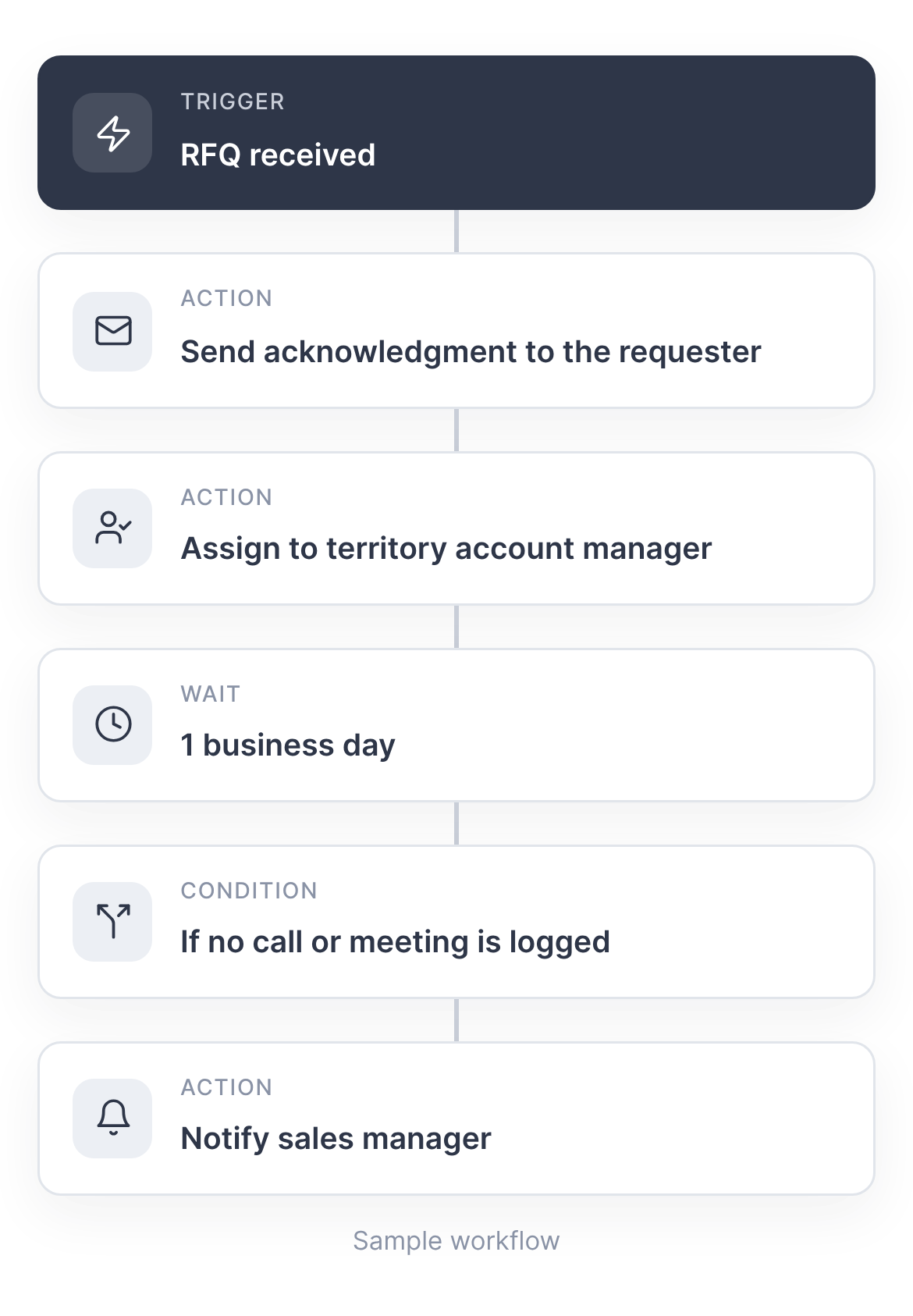
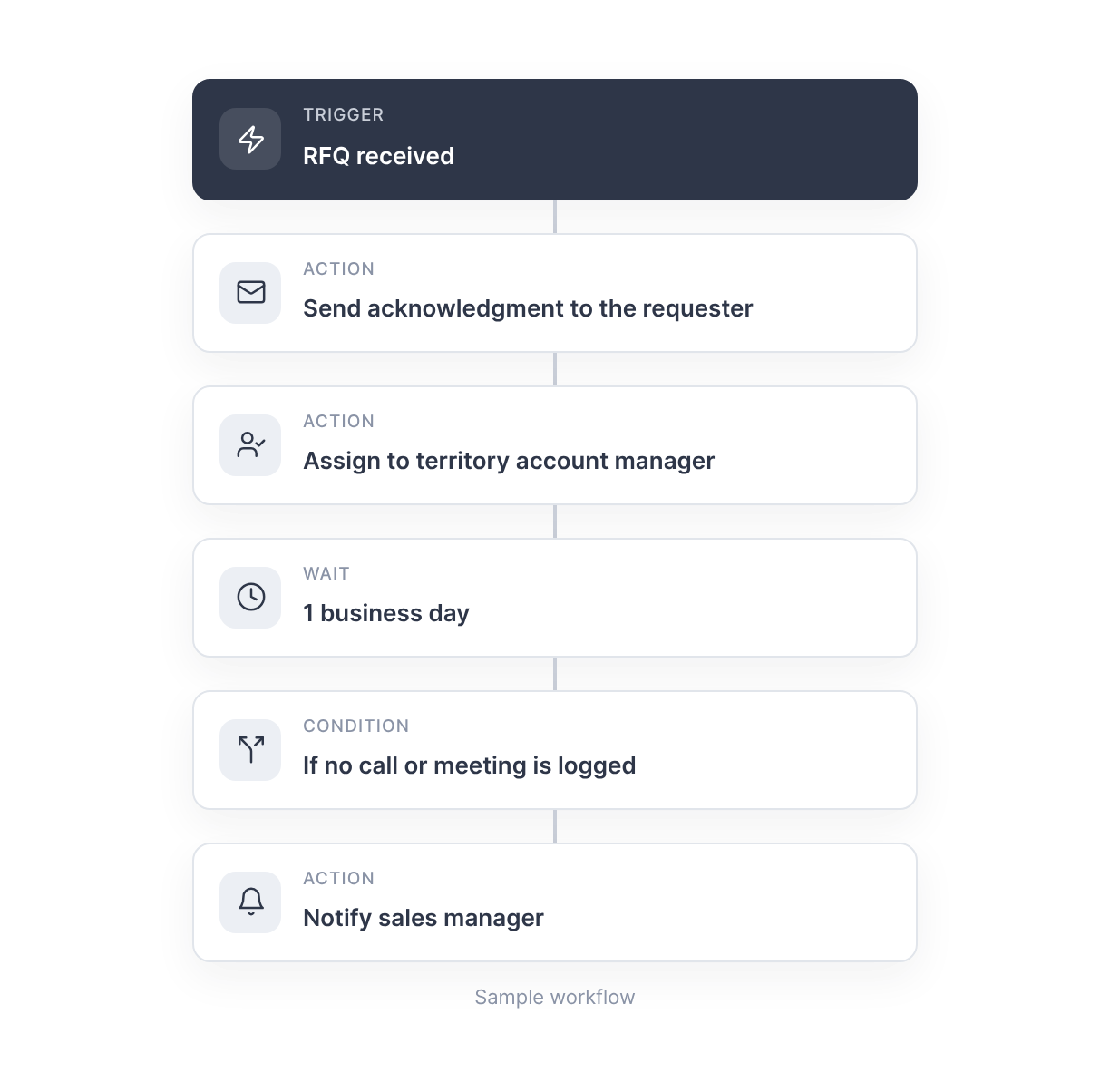
Routine follow-up steps run automatically: acknowledgment of new RFQs, internal task assignment, reminders when an inquiry has no response, nurture sequences for opportunities that are not ready, and check-ins with dormant accounts.

Integrations
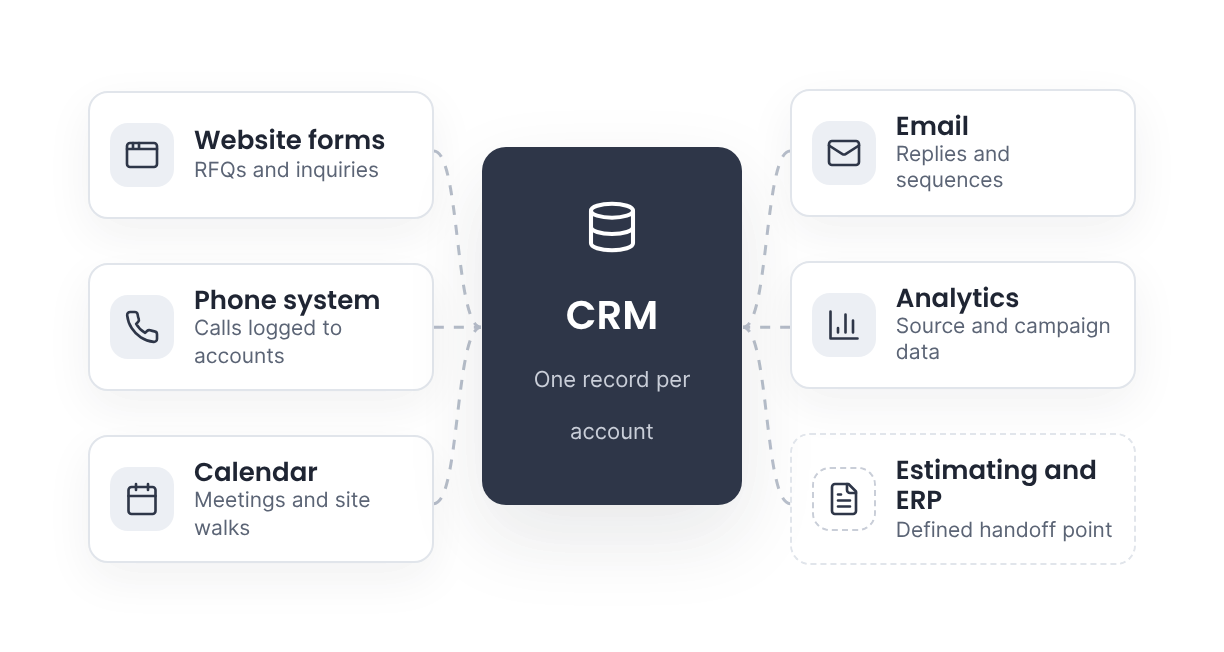
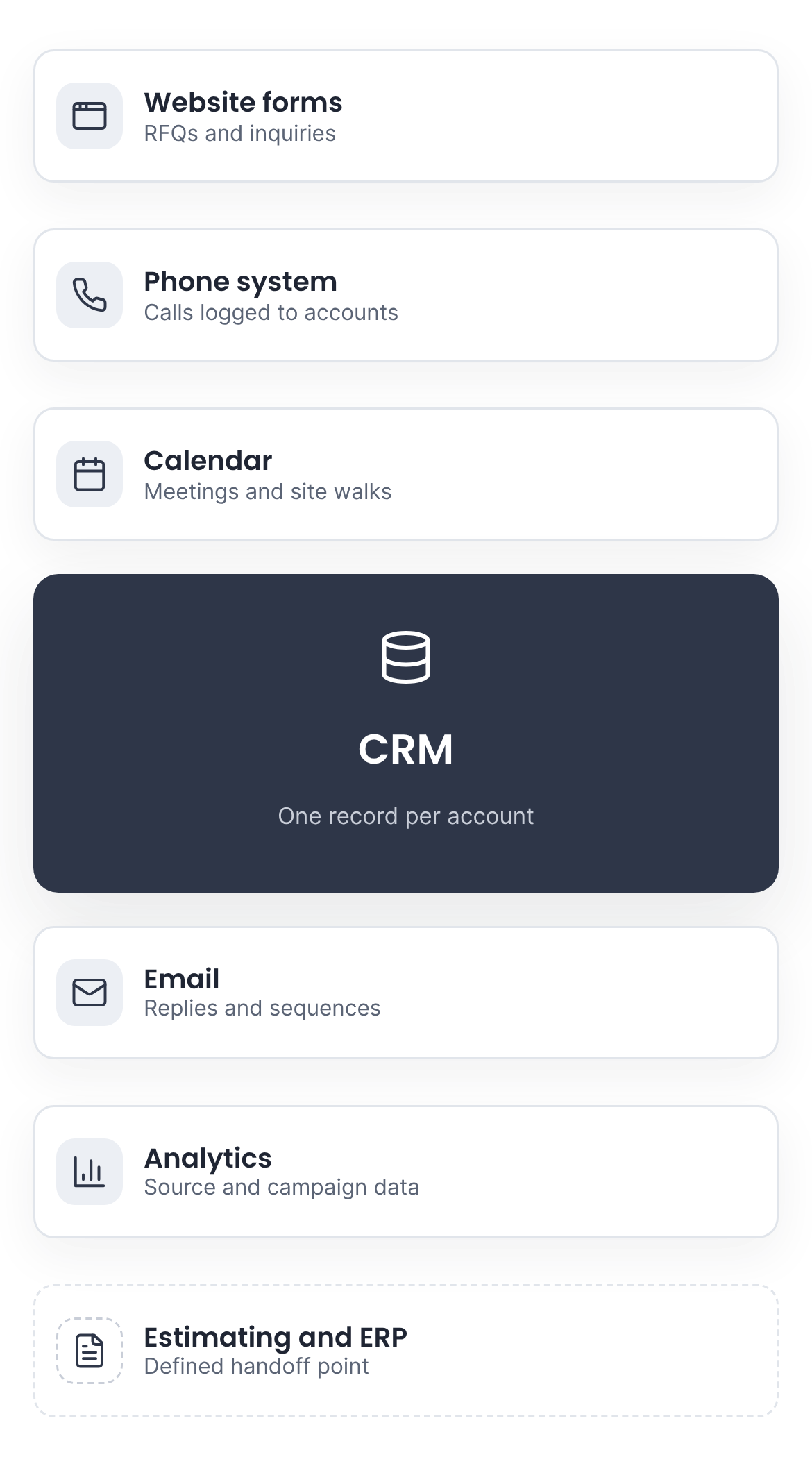
Website forms, phone systems, email, and calendars often hold the same inquiry in different places. These are connected to the CRM so each opportunity is entered once and reported accurately. The connection to estimating and ERP systems is defined at the handoff point, using existing tools where they are adequate.

Measurement and attribution
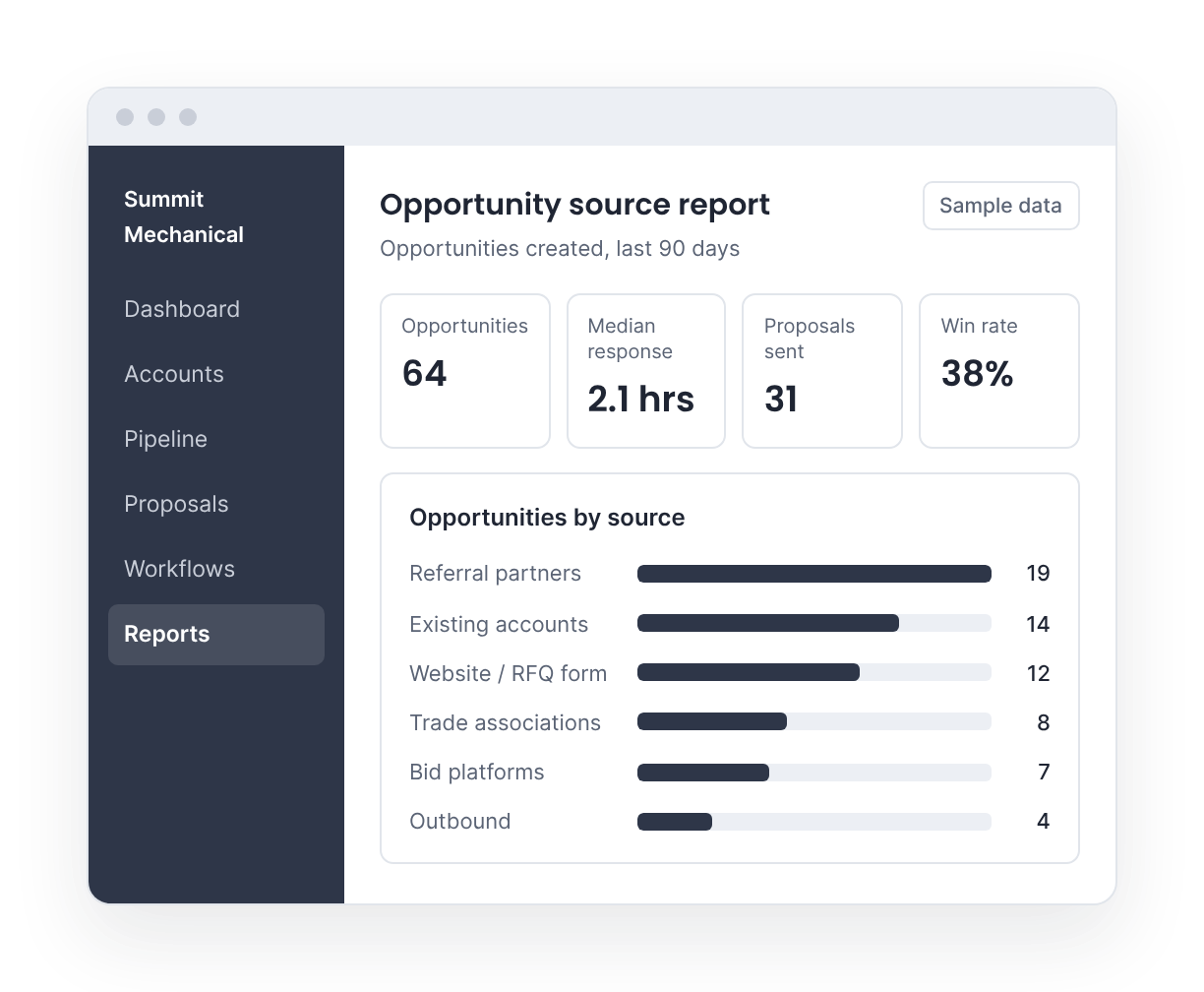
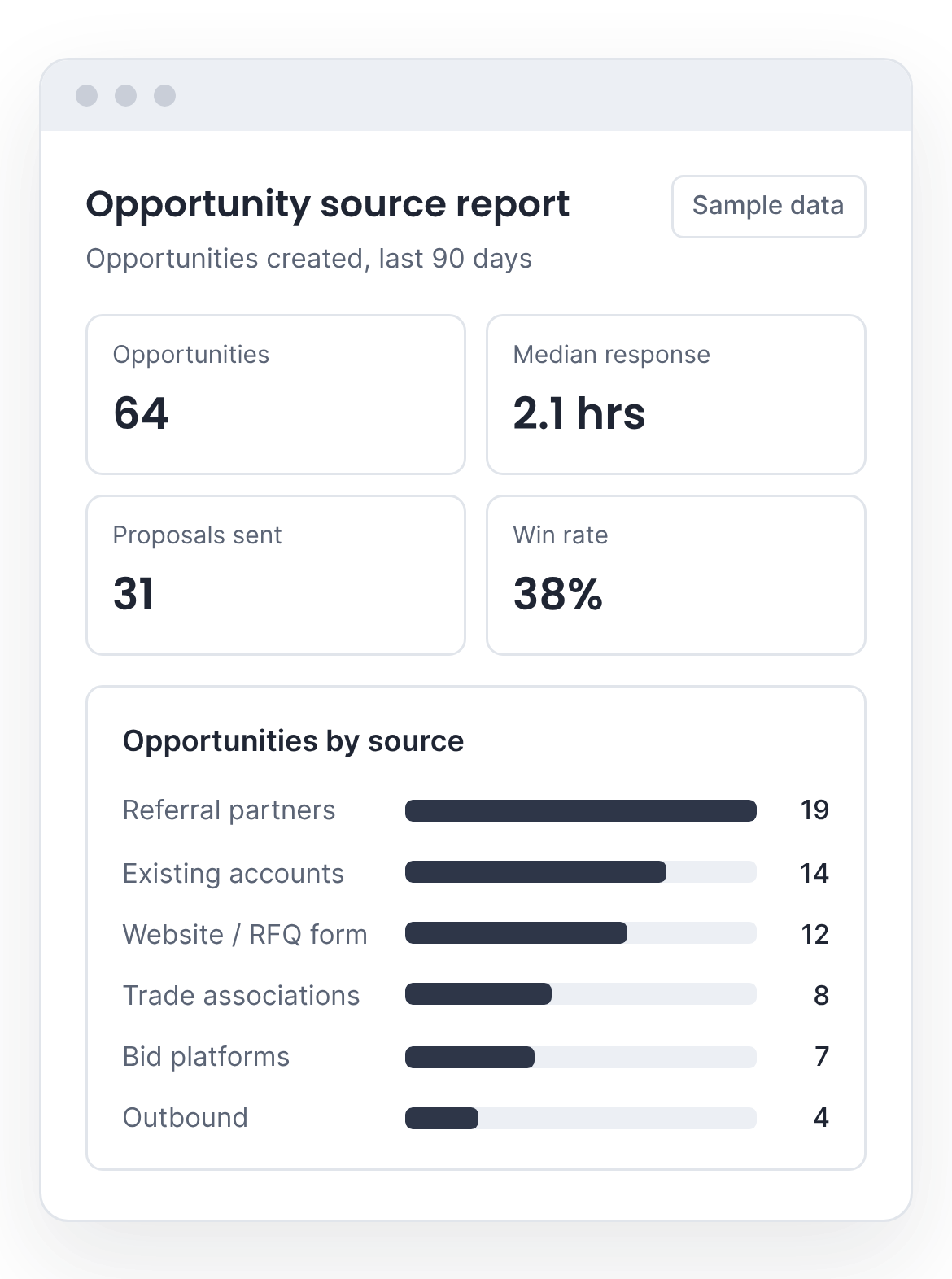
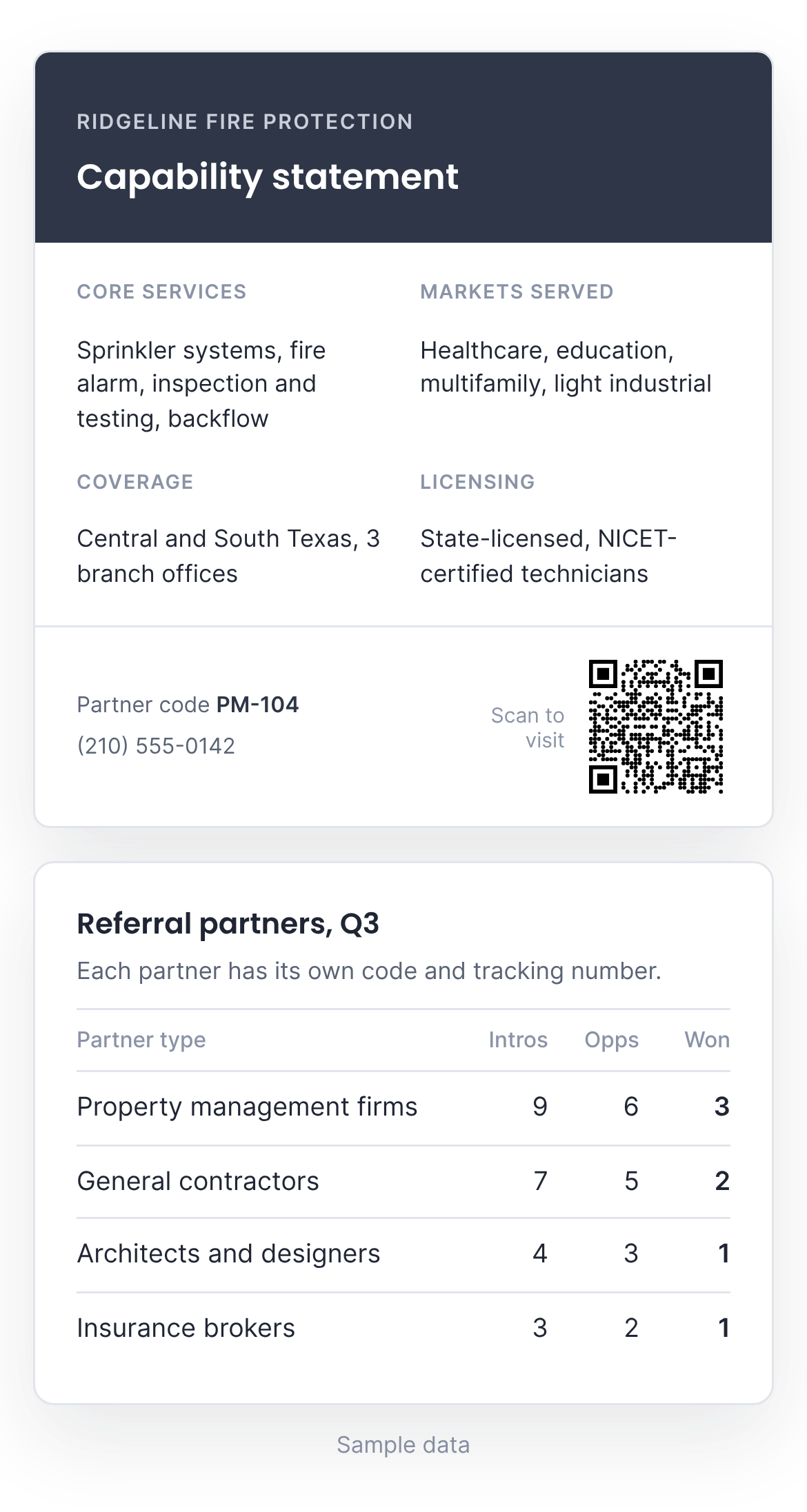
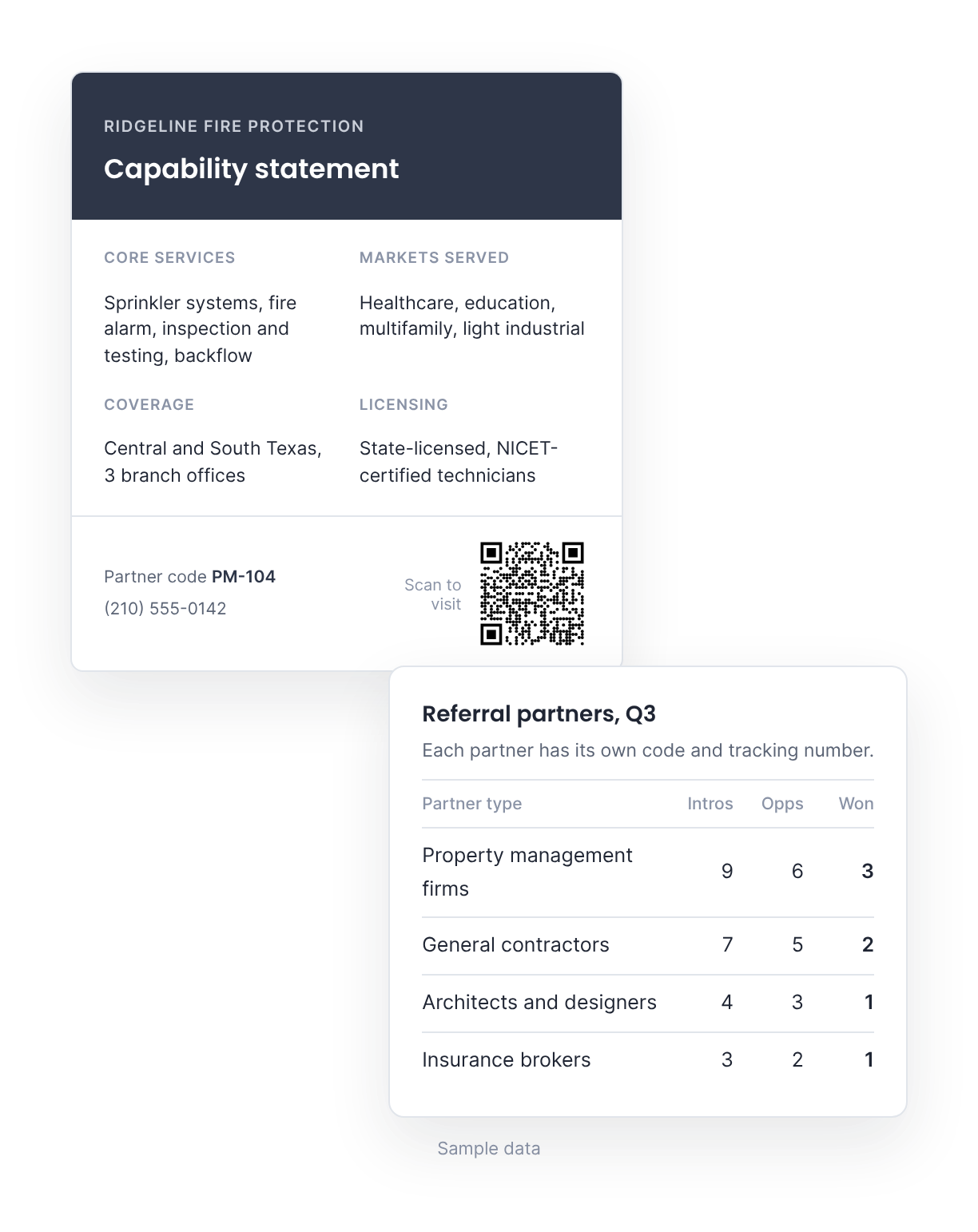
Many commercial contracts start with a referral partner, an association contact, or an existing account rather than a web search, and those sources rarely appear in reporting. Referral-source fields, partner codes, and tracking numbers connect each source to the opportunities and contracts it produces.
Results are reported in the CRM on a dashboard reviewed with leadership: which sources produce signed contracts, what share of proposals are won, how long the sales cycle runs, and how long new inquiries wait for a response.
PROCESS
How an engagement works
Each engagement has a defined scope and starts with a baseline, so results can be measured.
01
Map the current process
Document how inquiries arrive, who handles them, and what is measured today, including the workarounds. This sets the baseline.
02
Fix the costly gaps first
Address the gaps that lose the most opportunities or staff time, using existing tools where they are adequate.
03
Measure and adjust
Report results against the baseline and adjust as the business and its pipeline change.
SERVICES
How the work gets done
The areas of work are addressed through four services, used individually or together.

Website, UX, and interaction design
Websites, landing pages, and client-facing tools designed around how commercial buyers evaluate and contact a vendor. Work includes site structure and navigation, wireframes and clickable prototypes, interface and interaction design for RFQ forms and client portals, responsive development, and accessibility.

Strategy and advisory
Each engagement starts with an assessment of how the company generates, handles, and measures opportunities today. The result is a prioritized plan: what to change, in what order, and why. Strategic guidance continues through implementation.

Messaging and copywriting
Capability statements, case studies, website copy, and email sequences. Copy is written for facility managers, property managers, and procurement teams, and helps qualify prospects before the first conversation.

CRM setup and integration
Configuration of the CRM around the actual sales process: pipelines, territories, assignment rules, notifications, and reporting. Phone, email, calendar, and marketing tools are connected where practical, with a defined handoff to estimating and ERP systems.
Getting full value from the software already in place
Many commercial service companies pay for software that isn’t configured to track, coordinate, or follow up. The work is setting it up to do those things, or replacing it where it can’t.
A review is a 30-minute conversation with leadership about how leads are currently tracked, followed up, and reported.

Robb Lee
webStepOne
© Copyright webStepOne. | Privacy Policy | Terms